Friday, January 30, 2015

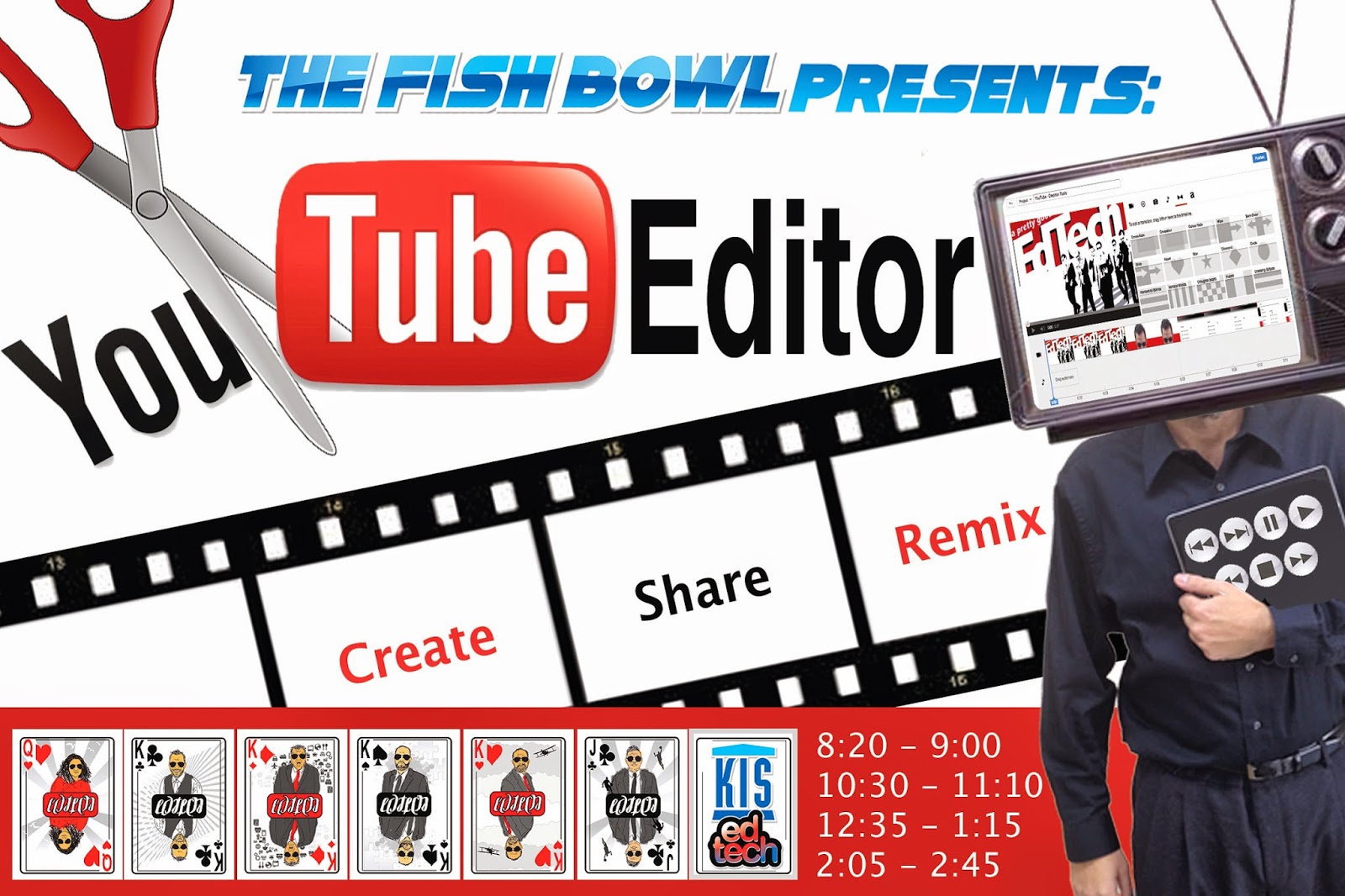
Create, Share, Remix: YouTube Editor


Create movies with YouTube Editor

Goal: Prepare teachers to teach students to use YouTube Editor.


Resources:
Set up your YouTube channel
YouTube Editor
YouTube Capture App for iOS
Creative Commons Licenses

Some ideas for projects with YouTube Editor:
  • Nature video
  • Crowd sourced video
    • Take a look at what was created last year at Beyond Laptops (below) by remixing crowd sourced movies from the conference.

Thursday, January 22, 2015

Strength in Diversity - Workshops


Strength in Diversity- Join us this week as the KIS Student Support Team presents a diverse menu of hands-on workshops that will help you reach your students at every level. Walk away with concrete, practical tools that you can immediately apply in your classrooms.


MondayTuesdayWednesdayThursdayFriday
8:20Paulson: Differentiating with Lexile LevelsC. Canales
Teacher v. Student
Behavior
H.Hale: ABC Guide for Teacher & TA CollaborationPaulson: Differentiating with Lexile Levels
10:30K.Callahan-
English Language
Learners and
Technology Tools
H.Hale: ABC Guide for Teacher & TA CollaborationA. McCullough
Fun with Phonetics
Understanding speech sounds
of all languages
H. Jun-
Recognizing and
Facilitating
Executive Function
Skills in the classroom
A.McCullough-
Caring for your
"Teacher Voice"
12:35C. Canales
Teacher v. Student
Behavior
A.McCullough-
Caring for your
"Teacher Voice"
2:05H. Jun
Recognizing and
Facilitating
Executive Function
Skills in the classroom
K.Callahan-
English Language
Learners and
Technology
Tools
A.McCullough-
Fun with Phonetics-
Understanding
Speech sounds of
all languages

Teacher v Student Behavior

Christine Canales
This session will highlight several positive behavior supports that teachers can implement in their classrooms to increase desired behaviors and decrease disruptive behaviors. Some strategies and tools that will be highlighted include the use of technology to incorporate brain breaks/movement breaks into instruction as well as a fun, online behavior application that allows for immediate parent communication.

English Language Learners and Technology Tools

Karen Callahan
How can we use technology as a scaffold to help our English Language students succeed? What are tools that can help my EL students have the same access to content? This session is about helping our ELs gain a grasp on the English language and helping them display their content understandings through technology.   
<Presentation Below>

Caring for your “Teacher Voice"

Angie McCullough
Calling all coaches, singers, and orators: come and learn healthy habits to make your “teacher voice” all it can be. If you use your voice as a professional tool, this session is for you! Preventative care and other techniques will be taught and practiced during this session. 

Fun with Phonetics

Angie McCullough
Want to help students reduce heavy accents, correct a speech sound, or increase intelligibility? Join me for a quick and dirty way to learn about sounds of ALL languages. 

Recognizing and Facilitating Executive Function Skills in the Classroom

Helen Jun
Studies show that when children learn key life skills based on executive functions of the brain, they are more likely to thrive now and in the future..." Let's explore the topic of Executive Function Skills and how it could add another perspective in assessing your students.

Differentiating with Lexile Levels

Emily Paulson
Join this session to collect strategies on evaluating and selecting appropriate reading material for your students.  We will learn several lexile leveling tools that can be utilized to diversify reading content and enable students to perform research at their comprehension level.  

<Presentation Below>

ABC Guide for Teacher and TA collaboration
Heather HaleABC Guide for Teacher and TA collaboration- Have a TA in your classroom? Join me to effectively and efficiently collaborate with your assistant in order to make the most of your resources.


Presentations and Resources:

English Language Learners and Technology Tools
Karen Callahan


Differentiating with Lexile LevelsEmily Paulson
Monday, January 19, 2015

Advanced Google Search II: Beyond the Dojo


The following post provides the materials and process for this professional development session for teachers and students.

This is a guide to do more advanced searching using the Google search engine, we do not dive into all features, but have selected out some especially useful ones. More will be covered in The Fish Bowl for KIS teachers choosing to attend.

Time: 30-40min
Type: Workshop
Bring: Computer or iPad


Even More:
Some Lesser Known Searches
14 Ways Students Can Get More Out of Google
Google Like a Boss


Friday, December 12, 2014

21C Learning 7th Annual Conference Presentation - First Year Lessons from One to World : a 1:1 iPad program for Elementary students

Note: The following presentation is from the 7th Annual 21C Learning Hong Kong Conference 2014. Presented on December 12 and 13 by Ben Summerton, on behalf of the KIS EdTech team 2012-15.

Description: In 2013-14 KIS introduced 'One to World', a 1:1 iPad program that adopted as it's motto: 'creative, inspire, redefine'. This presentation summarises key observations and findings from the consultation and design aspects of One to World, through to it's implementation. The focus will then shift to examining how One to World has impacted student learning for our Grade 3 and 4 students participating in One to World, and how it is recasting the role of the teacher.


Sunday, December 7, 2014

The Hour of Code - Computer Science Education Week

The Goals for the Session is to provide teachers with an introduction to computer science aimed to demystify "code," show that anyone can learn the basics, and provide information on why students should learn code. 

Student Benefits:
  • Be exposed to a new way of understanding their world; see the role of computer science in their daily lives. 
  • Gain vital, transferable skills that can be used in other areas (problem solving, critical thinking, decision-making, creativity, and innovation skills). 
  • Be prepared for future STEM careers. 
  • Take action regarding social and political issues in their world. 


Please remember:  Feed the Fish!  

Sunday, November 30, 2014

Quality Feedback - Digital Annotation

Quality Feedback - Digital Annotation


Creating, distributing and collecting digital files is easy. Providing quality, annotated, feedback is not always as easy. Welcome to 'Quality Feedback - Digital Annotations'

Goals:

  1. Provide insights into digital means by which to provide quality feedback to your students.
  2. Be successful trialling 2+ of the selected tools in this session and be able to explain how you might potentially be able to use them to assist student learning.


Sunday, November 16, 2014

Your Devices Connected: Yosemite, iOS8, & iCloud.


The session Keynote is above.  Click on the Picture to Join in.

The Goal for the Session is to give an overview of some of the fantastic changes to your Apple Devices since the launch of iOS 8, and the Yosemite Mac Operating System.  

Apple is giving you new tools to collaborate, keep organised, and stay productive.

Understandings:
1) iCloud & iCloud Drive (System Preferences / Settings)
2) iWork:  it's like Google Docs for Online Collaboration.
3) Sharing.  AirDrop, Email (GMail), Social Media.  (Settings / Internet Accounts)
4) iPhone / iPad Integration, Notifications & Handoff.
5) Family Sharing.

Activity for Differentiation of the session:

The activities for the session, are in the slides.  But here is an additional link to the activity.

Question:  In the comments for the blog post, write one way you might start using these features to help your students, or just for yourself.

Please remember:  Feed the Fish!  


The Worst Bugs in OS X Yosemite and How to Fix Them


Featured

Popular Posts