Showing posts with label YouTube. Show all posts

Thursday, May 21, 2015

Packing Your Digital Suitcase


We're sorry to see you go, but we'd like you to take all of digital belongings with you. Follow these instructions to take all of your files from Google, Schoology, Atlas Rubicon, and clearing all of your information off the computer before you turn it in.

Don't forget to back up first!

This session covers moving files from the following KIS accounts to your personal accounts:
  • Gmail
  • Sites
  • Blogger
  • Drive
  • YouTube
  • Google+
  • Calendar
  • Atlas Rubicon
  • Schoology (do not complete until end of year)
The session also covers removing your MacBook from the MDM and deleting your information from the hard drive.

Thursday, February 26, 2015

Touchcast - Smarter than video

If TouchCast is not a revolutionary idea, then at the very least it is extremely clever. 

Touchcast is built on HTML5 code, and it uses the iPad’s built-in camera, a useful collection of widgets (called vApps which are video-apps) and a timeline editor to help users to produce video productions reasonably quickly. 


How is TouchCast Different to YouTube?


TouchCasts are immersive and interactive. With the exception of inserted weblinks, YouTube videos are not. They are linear, sender-to-receiver experiences. 

Many Most educators use video extensively in the classroom, and so too do students. But videos are often often in isolation from other media or as a supplementary resource. For example we insert videos in our Keynotes or Google Slides; post to Schoology; or embed on our blogs. This is usually video used inside the web, or alongside it.


Touchcast reverses this inserting all this other media (websites, social media etc) inside the TouchCast video itself. The video is the central platform for all the content used by the teacher and/or student. It's video, but smart video. 

Equipment


TouchCast is an App available only for iPads (2nd Generation and up). TouchCasts are available for viewing from http://www.touchcast.com/
Download the TouchCast app.

Ideal additional equipment:

  • Tripod
  • Access to a Green Room (this is used in a number of the TouchCast 'Casts')
  • Microphone for iPad

Resources


Download a Touchcast Planning and Scripting Template (.pages format)
Download the official Touchcast Teacher training document


Student Examples: 

The following examples are our first attempts at KIS. Thank you to Ms Rance and Ms McCabe for sharing these samples of student work. They did really well, and this Fish Bowl PD is in large part a by-product of the collaborative learning that took place with these talented students.


Friday, January 30, 2015

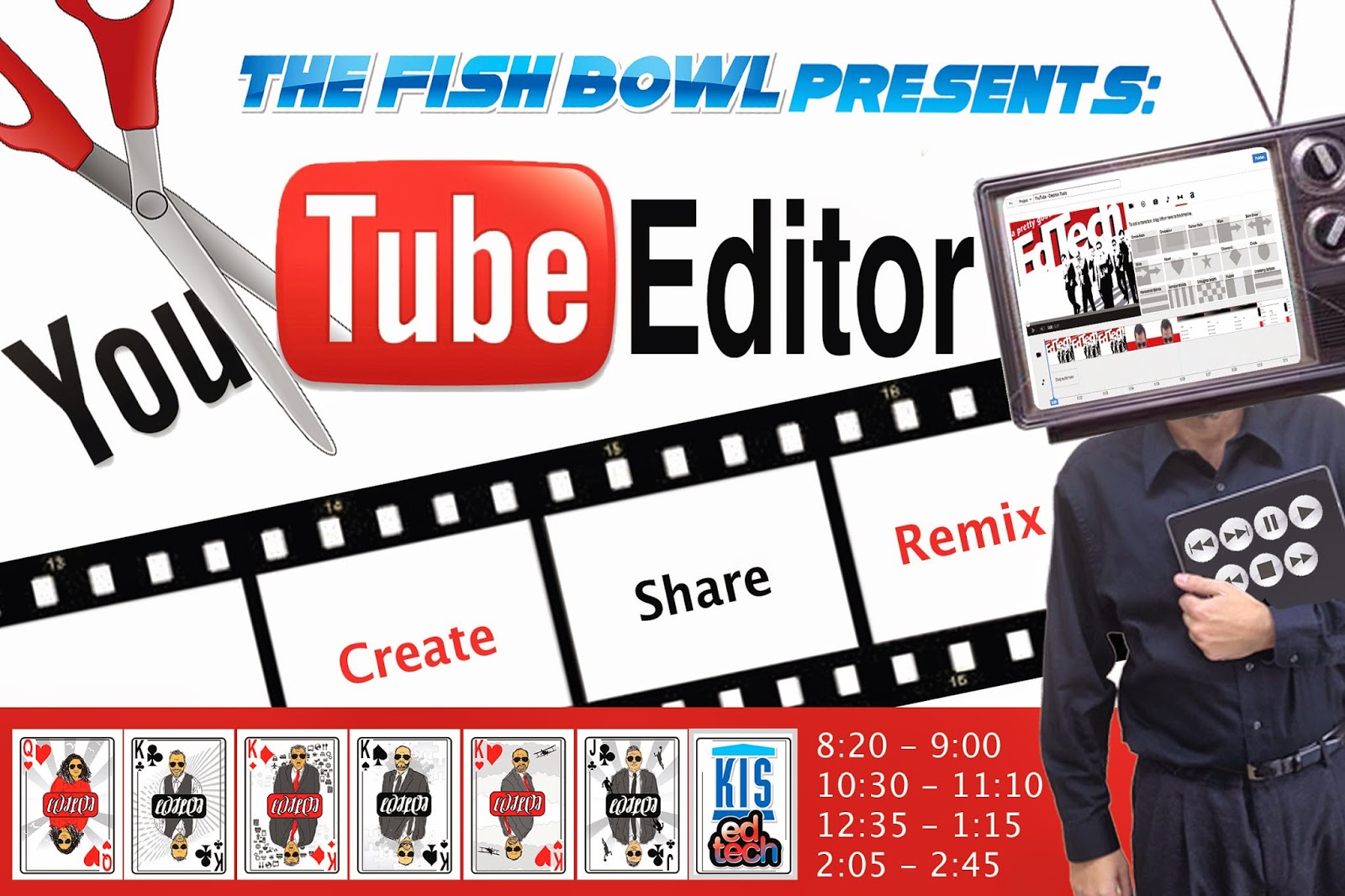
Create, Share, Remix: YouTube Editor


Create movies with YouTube Editor

Goal: Prepare teachers to teach students to use YouTube Editor.


Resources:
Set up your YouTube channel
YouTube Editor
YouTube Capture App for iOS
Creative Commons Licenses

Some ideas for projects with YouTube Editor:
  • Nature video
  • Crowd sourced video
    • Take a look at what was created last year at Beyond Laptops (below) by remixing crowd sourced movies from the conference.

Sunday, November 30, 2014

Quality Feedback - Digital Annotation

Quality Feedback - Digital Annotation


Creating, distributing and collecting digital files is easy. Providing quality, annotated, feedback is not always as easy. Welcome to 'Quality Feedback - Digital Annotations'

Goals:

  1. Provide insights into digital means by which to provide quality feedback to your students.
  2. Be successful trialling 2+ of the selected tools in this session and be able to explain how you might potentially be able to use them to assist student learning.


Tuesday, August 5, 2014

Welcome to the Googleverse

Korea International School is a Google Apps school. We use many Google tools in to communicate, organize, and to teach. (Short explanations of Google tools.)

The Goal of Today's Session is to give a brief explanation of common Google Apps that are used daily at KIS.  There will be future training sessions, but this is meant to be used as a jumpstart to 2014 - 15.

In the above tutorial, we will cover the basics of:

Gmail

Add accounts
Signature
Labels
Filters
Labs
Groups

Drive

Docs
Forms
Convert
Share

Blogger

Portfolio
Labels

YouTube

There is more detail in Google's Learning repository, http://learn.googleapps.com/ 

Featured

Popular Posts